How to Use ChatGPT at Work Safely: A Practical Guide for Malaysian Teams
Simple habits for using ChatGPT, Copilot and other AI tools at work without leaking company or customer data, plus a prompt structure that gets better results.
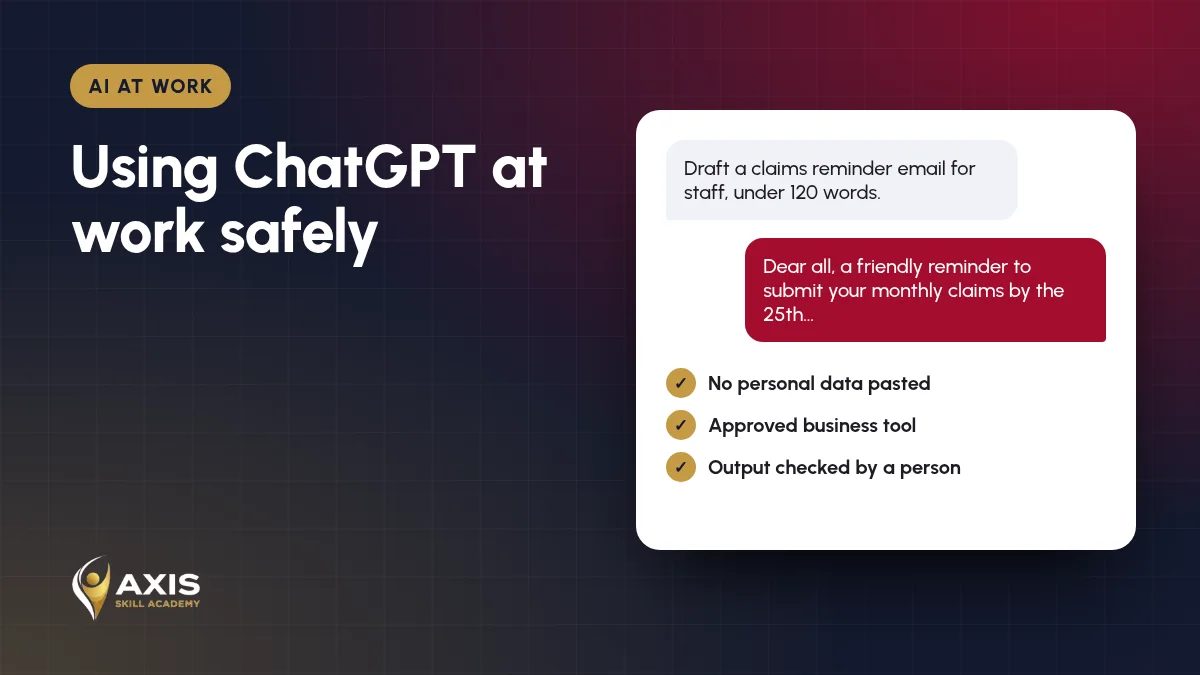
To use ChatGPT and other AI tools safely at work, follow your company’s AI policy, never paste personal or confidential data, use business versions with proper data controls where available, and always check the output before you use it. Treat AI as a fast first draft, not a final answer.
- Anything you type into a public AI tool may leave your company’s control, so keep personal data and confidential figures out.
- Malaysia’s Personal Data Protection Act 2010 (PDPA) still applies when staff use AI tools with customer or employee data.
- AI can state wrong facts confidently. A person must review every output that goes to a customer, manager or regulator.
- Clear prompts with role, task, context and format give far better results than one-line questions.
Generative AI tools such as ChatGPT, Microsoft Copilot and Google Gemini are now part of everyday office work. Staff use them to draft emails, summarise reports and prepare presentations. Used well, they save real time. Used carelessly, they can leak confidential information or put wrong facts into an important document.
This guide sets out simple habits that help Malaysian teams get the benefits while keeping company and customer data protected.
01Know your company’s rules first
Many organisations now have an AI policy that lists approved tools and what data may be used with them. Read it, and if your company does not have one yet, ask your manager or IT team which tools are allowed. At national level, the Ministry of Science, Technology and Innovation (MOSTI) published the National Guidelines on AI Governance and Ethics in 2024, which encourage responsible, transparent use of AI. Company policies often build on principles like these.
02Keep personal and confidential data out
The simplest rule is also the most important: do not paste anything into an AI tool that you would not put in an email to a stranger. That includes:
- MyKad numbers, phone numbers, home addresses and salary details
- Customer lists, contracts and pricing that is not public
- Unreleased financial results, tender documents and board papers
- Passwords, system access details and source code from internal systems
The PDPA 2010 sets out how organisations in Malaysia may process personal data in commercial transactions, and the 2024 amendments added duties such as notifying data breaches and appointing a data protection officer. Sending customer data to an unapproved tool can create exactly the kind of incident those rules are designed to prevent.
Anonymise before you ask. Replace names with “Customer A”, round figures, and remove identifiers. The AI can still help with structure, wording and analysis without seeing the real details.
03Prefer business versions with data controls
Free consumer versions of AI tools and the business versions often handle your data differently. Business plans of tools such as ChatGPT, Microsoft 365 Copilot and Gemini for Google Workspace generally offer stronger controls, for example not using your conversations to train models and giving administrators oversight. Settings change over time, so check the current terms with your IT team rather than assuming.
04Write prompts that get useful answers
A vague question gets a vague answer. A simple structure that works well in office tasks is role, task, context and format:
Act as an HR executive at a Malaysian manufacturing company.
Draft a short email reminding staff to submit their
monthly claims by the 25th. Keep it friendly and clear,
under 120 words, in English with a Bahasa Melayu version below.- Role: tell the AI who it should act as.
- Task: say exactly what you want produced.
- Context: add the audience, purpose and any limits.
- Format: state the length, tone, language and layout.
Then improve the draft by replying with specific changes, such as “make it more formal” or “turn this into three bullet points”.
05Always check the output
AI tools predict likely words. They do not know whether something is true, and they can invent figures, references or regulations that look convincing. Before using any output:
- Check every number against the source.
- Confirm names, dates, laws and policies yourself.
- Read the whole text for tone, especially in customer and HR messages.
- Make sure the final version reflects your company’s position, not the AI’s guess.
A good habit is to ask the AI to list the assumptions it made, then check those assumptions one by one.
06Good everyday uses to start with
| Task | How AI helps | What you check |
|---|---|---|
| Email drafts | First draft in seconds, in the tone you ask for | Facts, names, tone |
| Meeting notes | Turns rough notes into actions and owners | Nothing confidential was pasted; actions are correct |
| Excel formulas | Explains or suggests formulas for a described layout | Test on sample data before use |
| Presentation outlines | Suggests structure and key messages | Data and claims are your own |
07Frequently asked questions
Is it allowed to use ChatGPT at work in Malaysia?
There is no general ban, but your employer’s policy decides which tools you may use and for what. Personal data must still be handled in line with the PDPA 2010. If in doubt, ask before you use a new tool with work information.
Should I tell my manager when I used AI?
Follow your company’s policy. Being open about AI use builds trust, and it reminds reviewers to check the content carefully.
Can AI replace learning Excel or Power BI?
No. AI can suggest a formula or a chart, but you still need to understand the data and spot when a suggestion is wrong. The two skills work best together.
Our AI for Work course gives teams hands-on practice with prompting, checking outputs and safe data habits, using realistic office tasks.
This article is general information, not legal advice.

Practical Excel, Power BI and AI training for working teams in Malaysia, in public classes or in-house at your company.
More From The Blog

How To Build A PivotTable In Excel For Work Reports
A step-by-step Excel PivotTable guide for work reports: prepare a clean table, build the summary, refresh it, and fix common Sum and Count errors.
Read article
AI Prompt Library For Office Work In Malaysia
A short workplace prompt library for emails, summaries, meeting notes, spreadsheet layouts and slide outlines, with limits on what not to paste.
Read article
How Lecturers Can Design AI-Ready Assessments
Practical ways to redesign take-home assessments so they still measure a student's own thinking, with clear AI rules and care for student data.
Read article